Quick visual flow
A lightweight visual map of the path described in this guide.
Help Center
Workout e template
The real in-app flow: start from the simplified Home, use `Free Workout` or a template, add exercises, and finish without polluting history or analytics.
Help Center
Fast answers for training, setup, recovery, and common issues.
Wiki index
Top-level categories and guides arranged like a lightweight tree so the help center is easier to scan.
On this page
7 sections
A lightweight visual map of the path described in this guide.
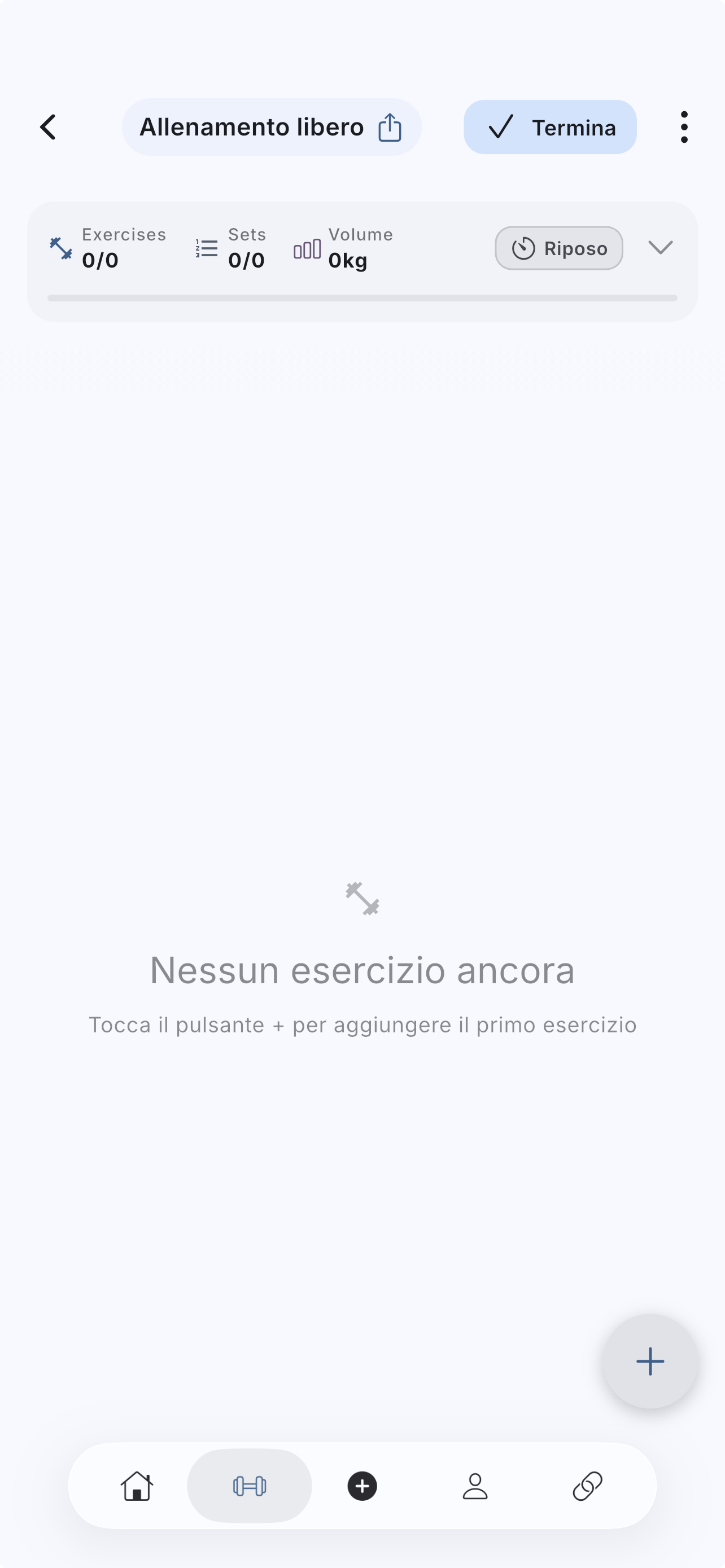
The first time, you can use `Free Workout` from Home; after that Home shows only a dismissible hint and the entry point stays in the `+` tab bar button.
If you want a template, use `My templates` from Home or open Templates: `My templates`, `Guided create`, `Discover FitLog`, and `Community` are clearer entry points into the same area.
If you already have a routine, go to `Library`, open the template, and launch it from there.
If Workout opens with a routine already loaded, you are in the preloaded state: review the structure first, then start logging for real.
If the answer is not here, contact support with device, platform, a clear problem description, and ideally a screenshot.
Your feedback helps us improve guides for all users.
Useful follow-up reads that complete the same flow without sending you into internal documentation.
The Templates area is not a single list. `Library`, `Exercises`, and `Store` serve different jobs, and understanding that makes the app easier to navigate.
Use Apple Watch without an available iPhone: browse synced templates, start a workout, and log sets from your wrist.
The exercise picker lets you search, filter, and add one or more exercises to the session without breaking the workout flow.
A useful training log starts with a few well-chosen fields. Use TUT and the metronome when you also want to control rep timing.
When part of the routine is not relevant that day, you can skip it without blocking the next exercise and without polluting history or analytics.