Quick visual flow
A lightweight visual map of the path described in this guide.
Help Center
Esercizi e tracking
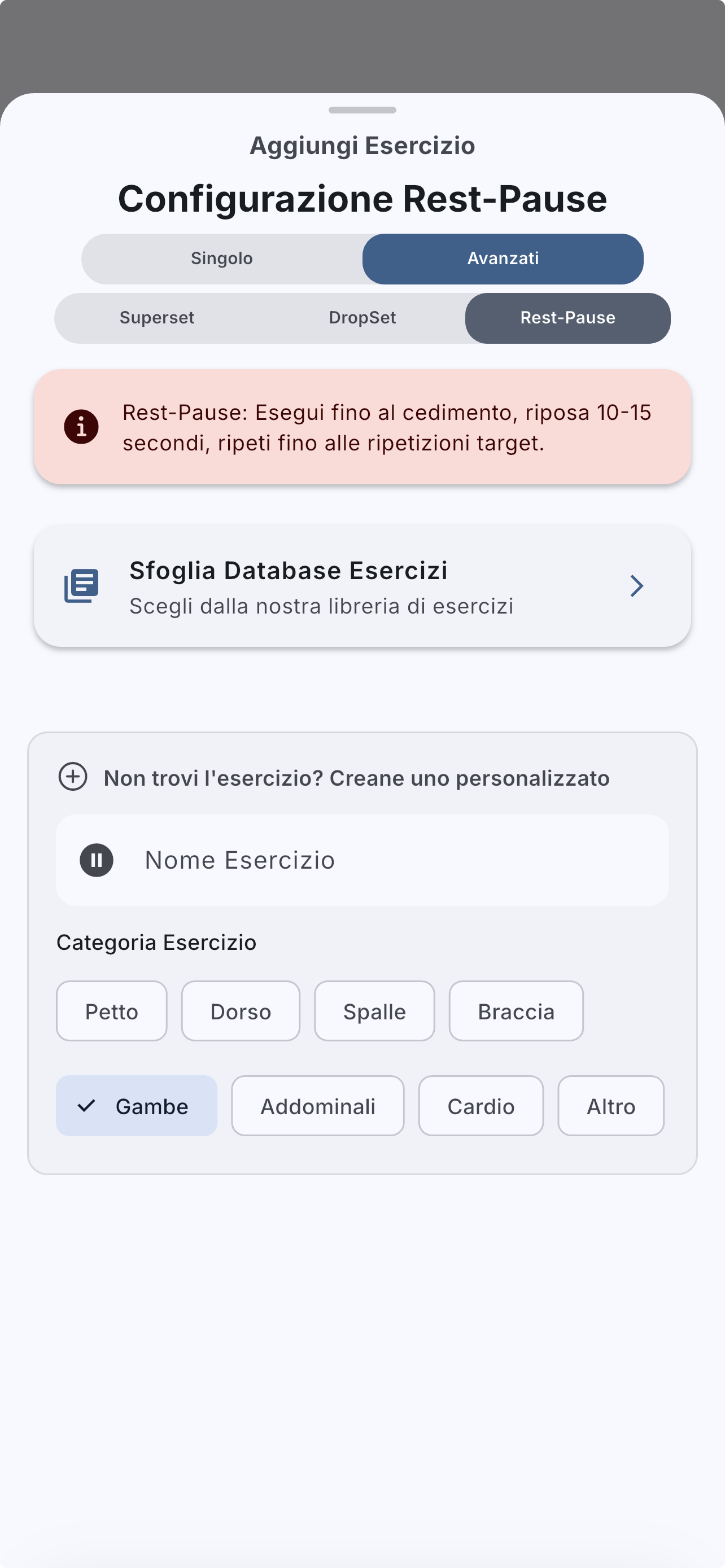
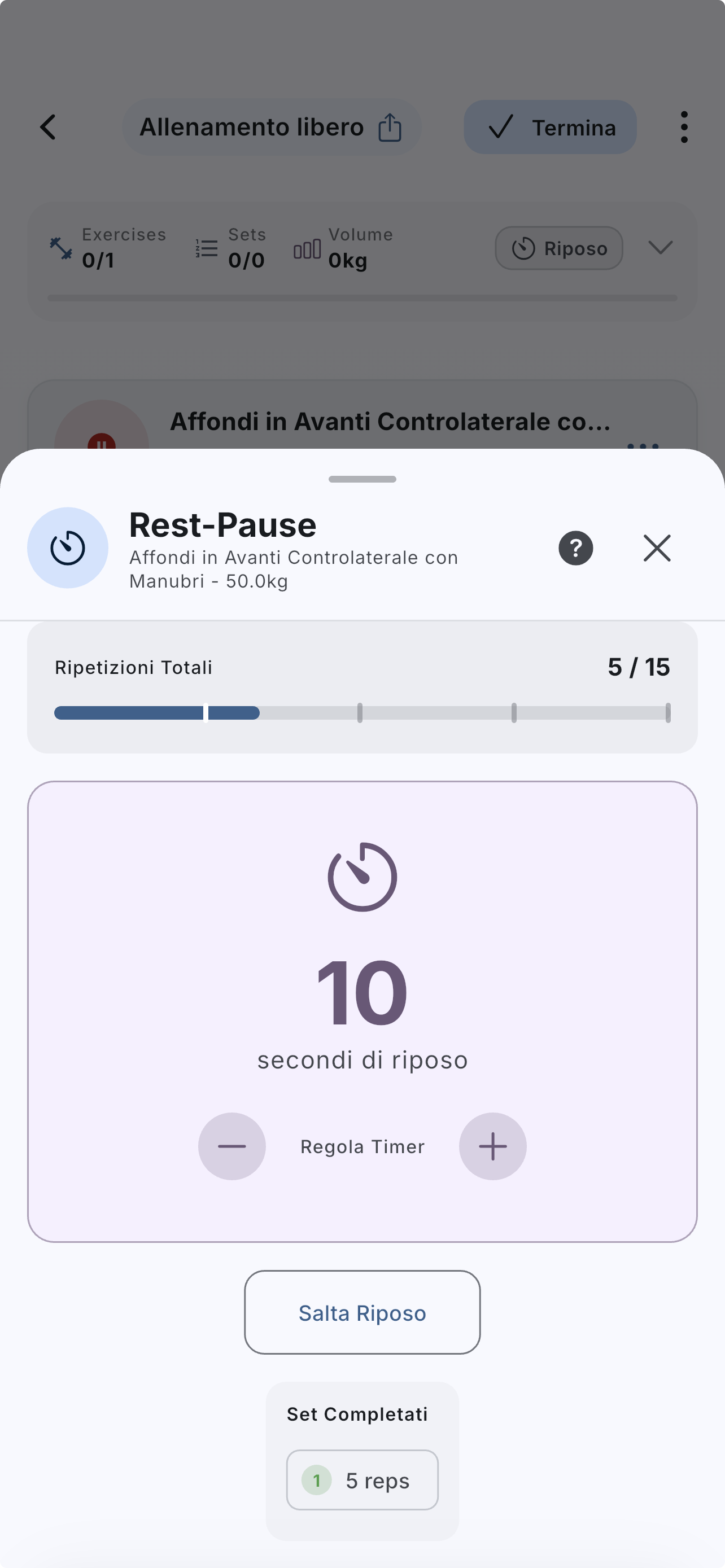
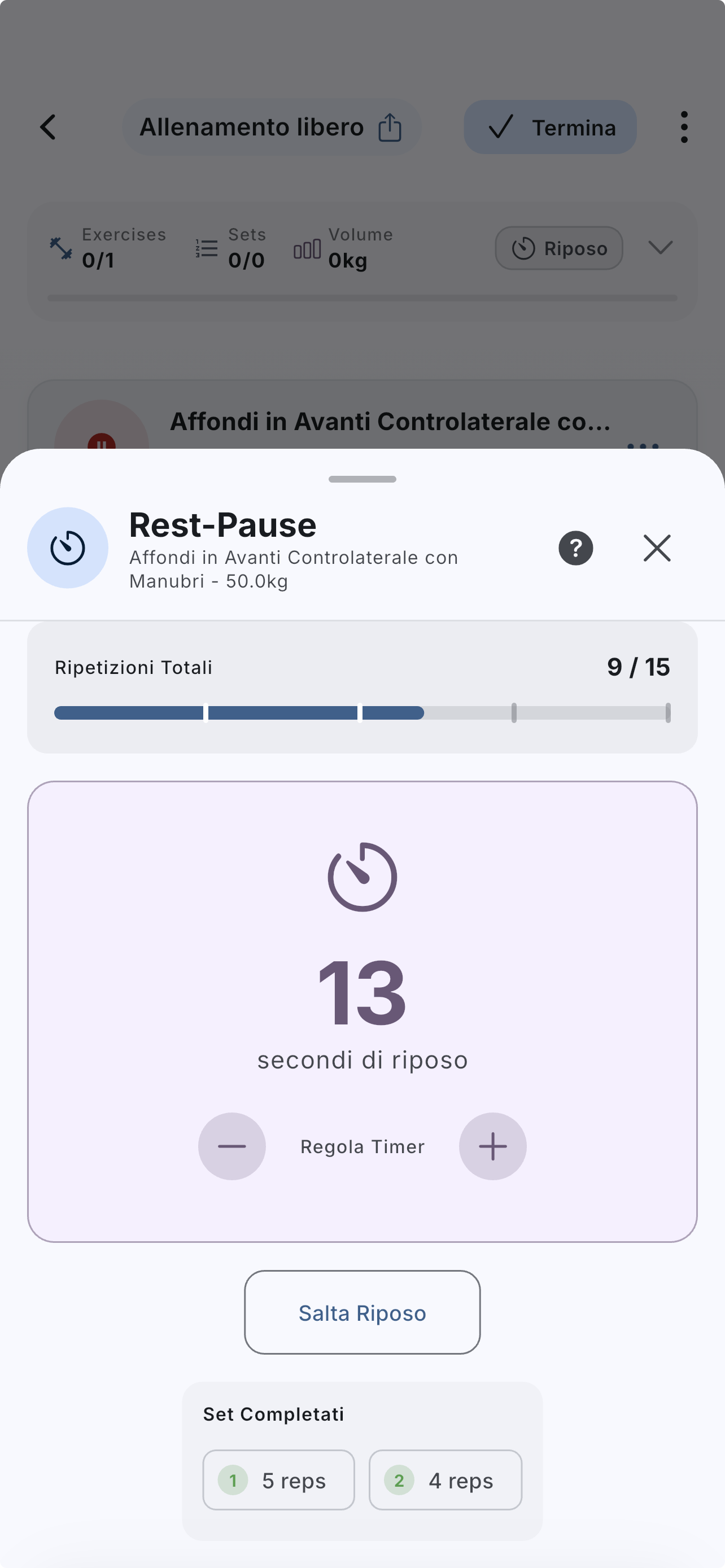
Rest-pause splits one intense effort into mini phases with short rests. It works best when targets are configured before execution.
Help Center
Fast answers for training, setup, recovery, and common issues.
Wiki index
Top-level categories and guides arranged like a lightweight tree so the help center is easier to scan.
On this page
6 sections
A lightweight visual map of the path described in this guide.
Open the Rest-pause builder from the advanced flow.
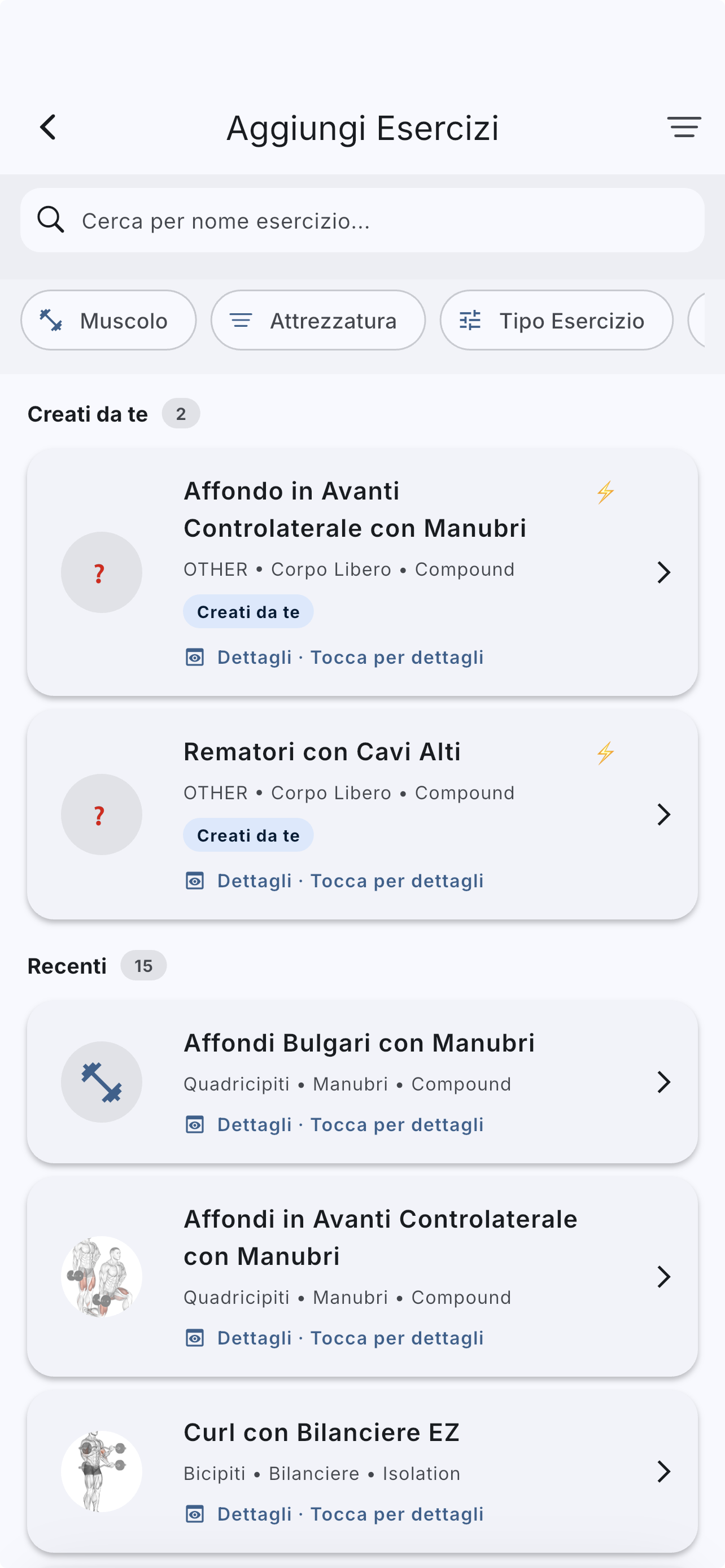
Choose the main exercise.
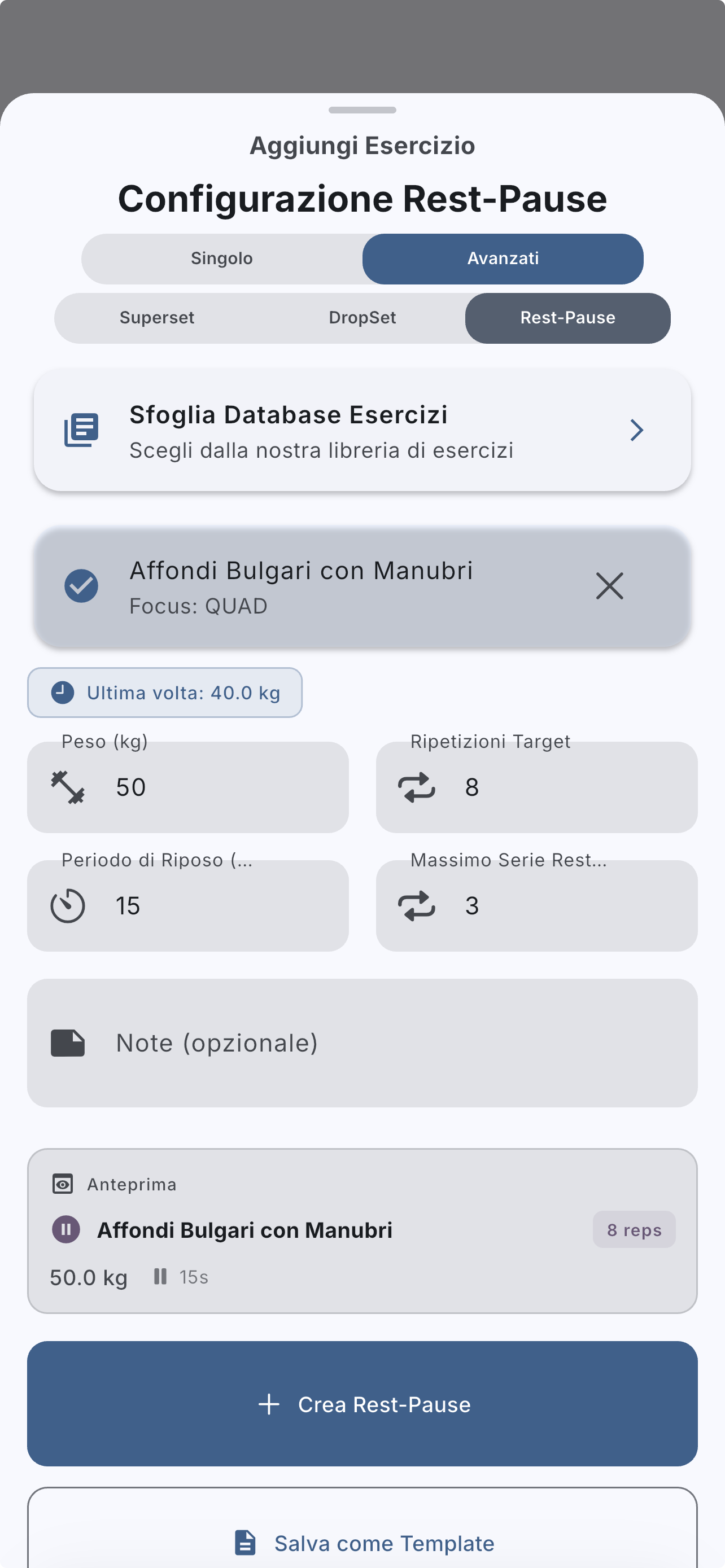
Check the `Protocol` preview: it shows initial reps, pause, and planned clusters.
Configure a target from 1 to 100 reps, mini rests from 5 to 60 seconds, and 2 to 10 mini-sets before saving.
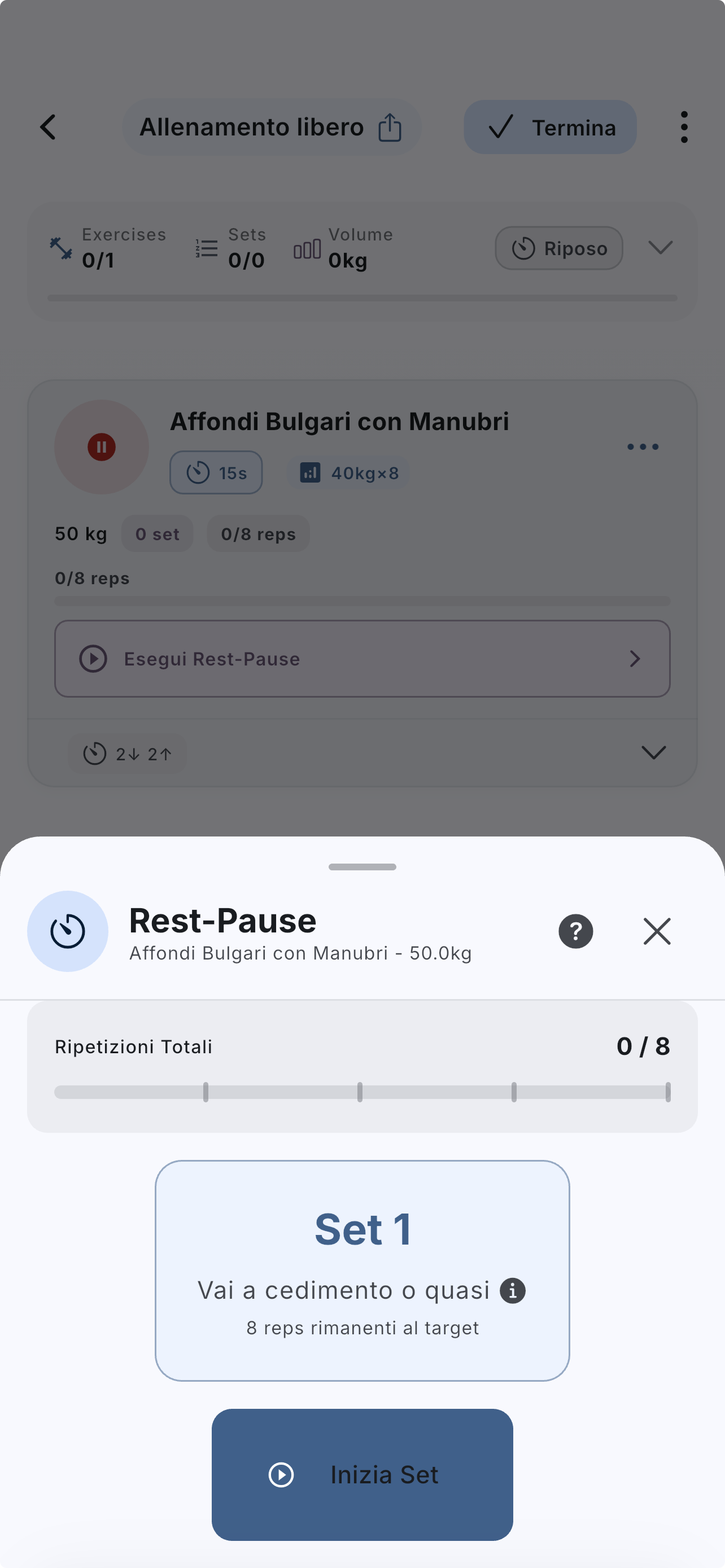
Complete the first phase and log the reps actually performed.
Use the planned mini rest before the next phase.
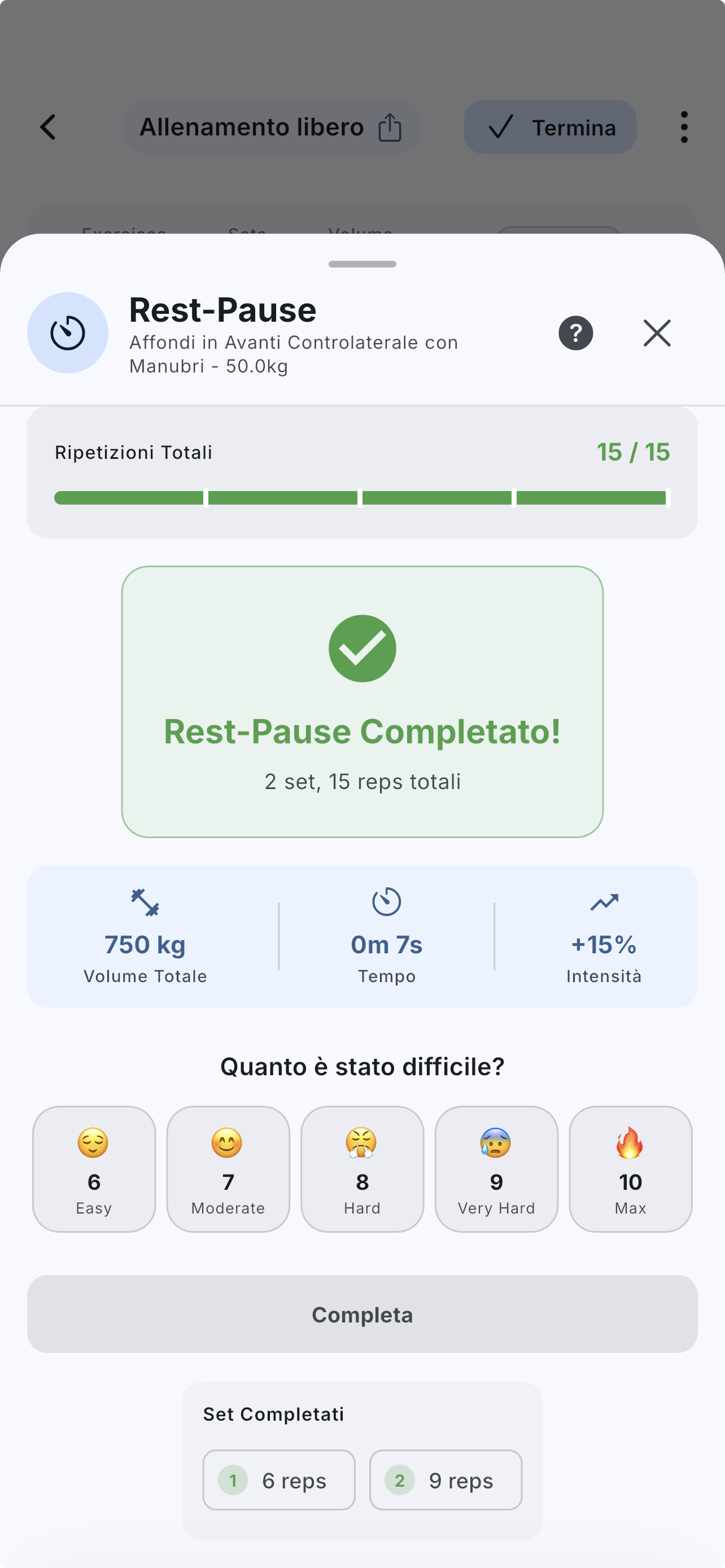
Continue until you reach the target or the configured mini-set limit.
If you are interrupted, use the explicit choice to cancel or keep the partial result.
Review the final summary before moving on with the workout.
If the answer is not here, contact support with device, platform, a clear problem description, and ideally a screenshot.
Your feedback helps us improve guides for all users.
Useful follow-up reads that complete the same flow without sending you into internal documentation.
Advanced techniques are real parts of the product, but they help most when they improve the workout instead of simply making the log harder to read.
A superset groups multiple exercises into rounds. It works well for density, but only if the structure stays readable.
A drop set organizes one set with successive load drops. Configure the phases clearly so the log remains useful later.