Quick visual flow
A lightweight visual map of the path described in this guide.
Help Center
Import e FitLogPro GPT
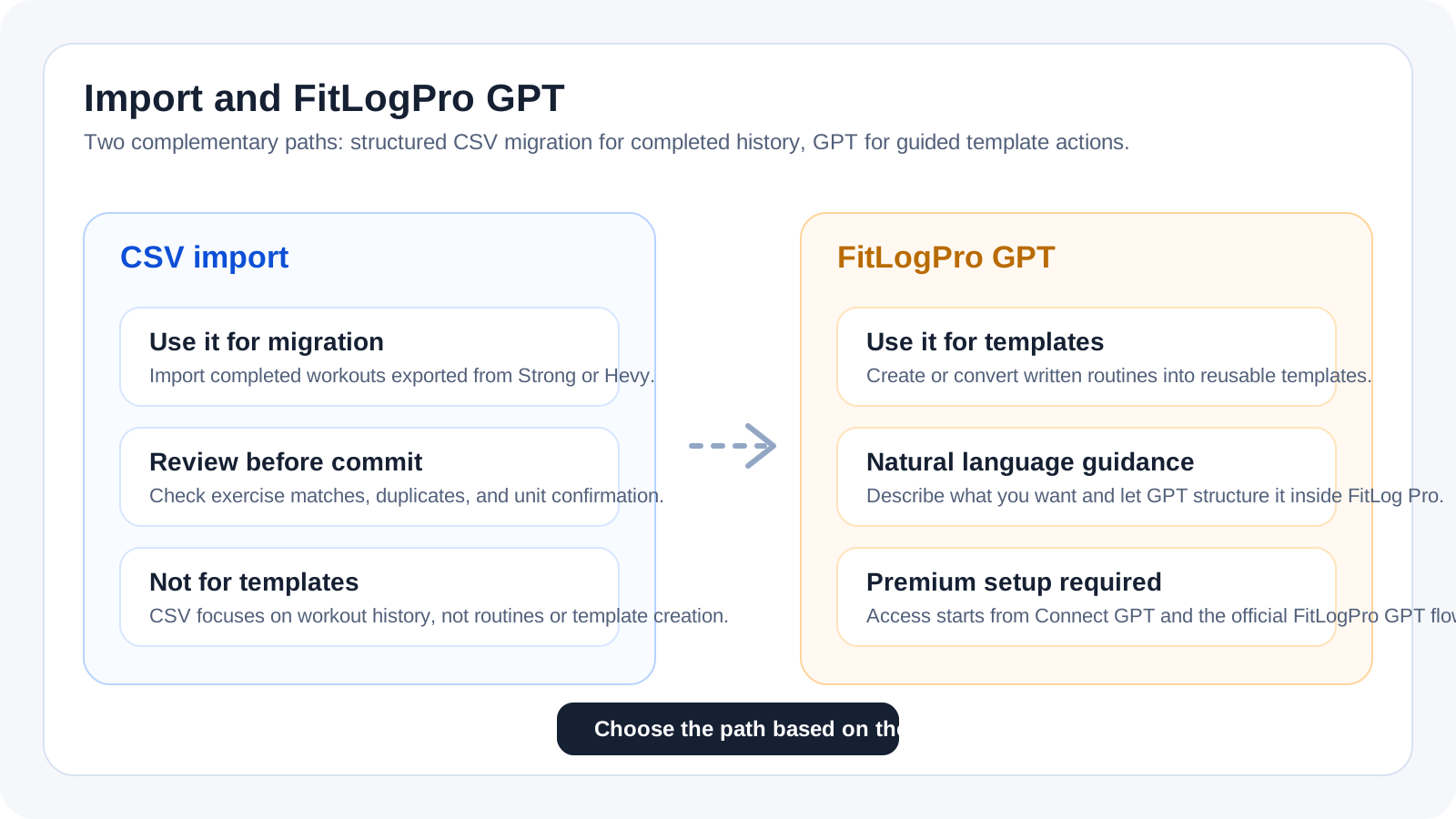
The decision map for the current flow: CSV for structured history migration, FitLogPro GPT for note import, templates, and guided actions.
Help Center
Fast answers for training, setup, recovery, and common issues.
Wiki index
Top-level categories and guides arranged like a lightweight tree so the help center is easier to scan.
On this page
6 sections
A lightweight visual map of the path described in this guide.
Use `Import Data` when you already have a CSV export from Strong or Hevy and want to move many completed workouts into FitLog Pro in a structured way.
Use `FitLogPro GPT` when you want to start from text or photos, import notes into history or templates, or use guided natural-language actions where a rigid file import is not the right tool.
For CSV: go to Profile > Settings > Data & Backup > `Import Data`.
For FitLogPro GPT: go to Profile > Settings > `Connect GPT`, or on the web use Templates > Import > `Open GPT`.
In the app, every FitLog Pro GPT action opens the installed ChatGPT app directly without using Safari; the public link is used only when you choose to copy it.
If you already have a structured Strong or Hevy CSV, CSV is often the fastest starting point. If you are starting from notes, photos, or natural-language instructions, start from GPT.
If the answer is not here, contact support with device, platform, a clear problem description, and ideally a screenshot.
Your feedback helps us improve guides for all users.
Useful follow-up reads that complete the same flow without sending you into internal documentation.
The complete CSV-first guide: file selection, preview, review, duplicates, and final commit into FitLog Pro history.
The right path when you start from text, photos, or mixed notes and need to decide whether the result belongs in history or templates.
Where the GPT connection lives, what you need before using it, and how to tell whether the setup is actually ready.
Create or transform routines into reusable templates with profile context, equipment, progression, and review before confirmation.