Quick visual flow
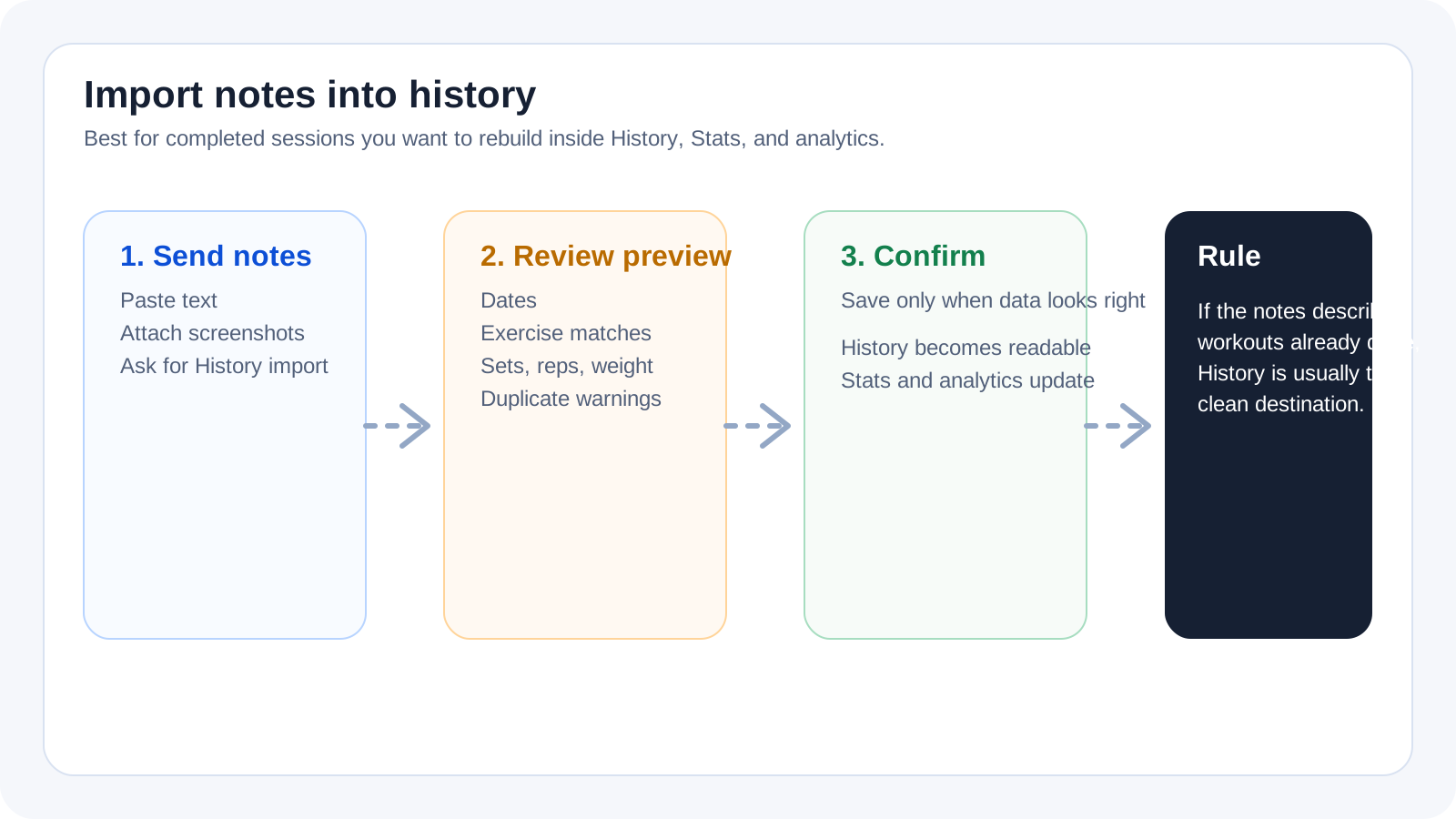
A lightweight visual map of the path described in this guide.
Help Center
GPT import da note
The right path for history backfill when you start from notes, screenshots, or loose workout logs that describe sessions already completed.
Help Center
Fast answers for training, setup, recovery, and common issues.
Wiki index
Top-level categories and guides arranged like a lightweight tree so the help center is easier to scan.
On this page
6 sections
A lightweight visual map of the path described in this guide.
Use this flow when your notes describe sessions that already happened. The goal is not to build a future routine, but to rebuild real history and make it readable inside `History`, `Stats`, and analytics.
Open the official GPT from `Connect GPT`.
Paste text, attach a photo, or use both when that makes the workout easier to understand.
Explicitly ask to import the content into `History`.
Review the preview, dates, exercises, sets, weight, and reps before confirming.
If the answer is not here, contact support with device, platform, a clear problem description, and ideally a screenshot.
Your feedback helps us improve guides for all users.
Useful follow-up reads that complete the same flow without sending you into internal documentation.
The right path when you start from text, photos, or mixed notes and need to decide whether the result belongs in history or templates.
How to read preview statuses, resolve uncertain exercise matches, and decide what to do when a workout may already exist.
Analytics brings Progress, Balance, and Load into one page; History remains the place to review individual sessions.